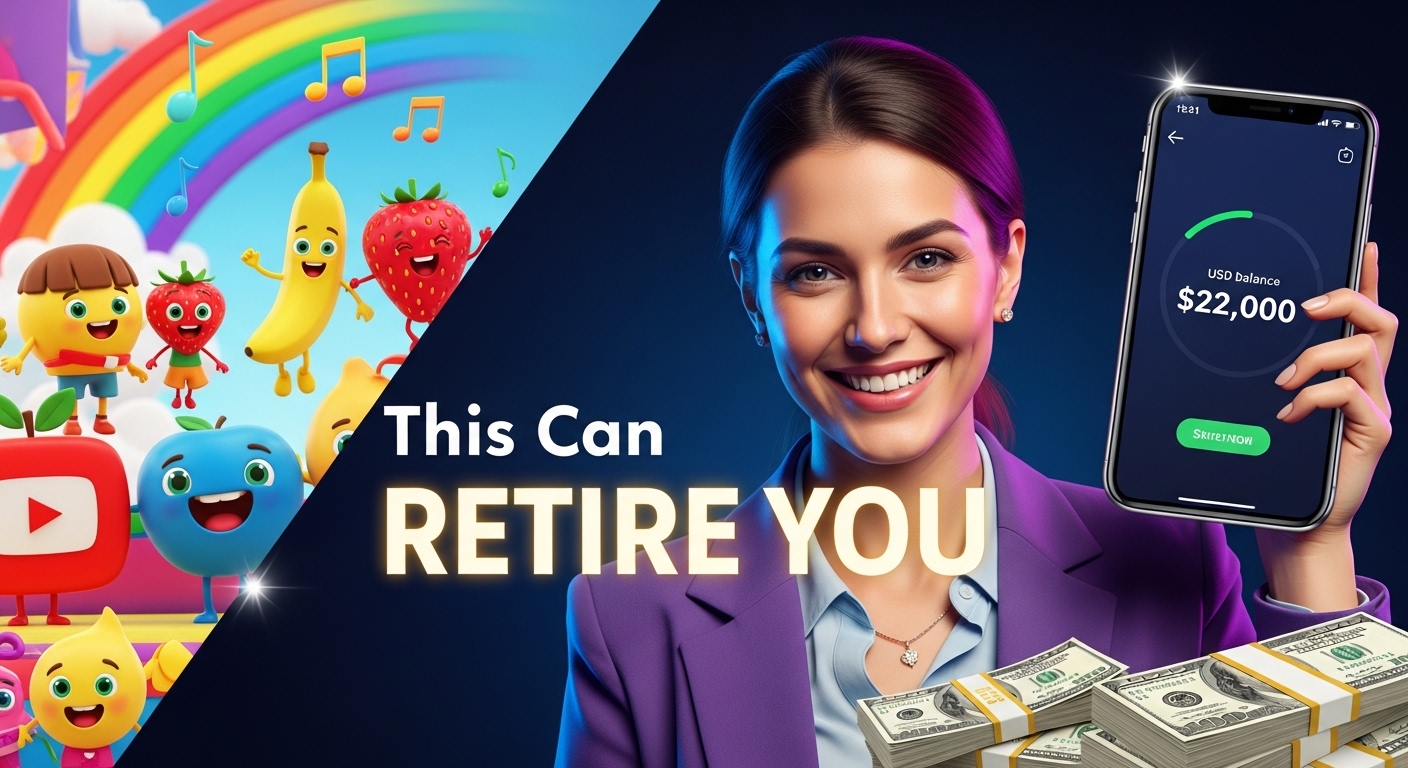
Imagine this…
You upload a simple kids video on YouTube.
No camera. No acting. No singing skills.
A few weeks later… it hits millions of views.
Sounds unrealistic?
Well, it’s happening right now.
Some faceless YouTube channels creating kids’ nursery rhymes are:
And here’s the surprising part…
👉 Many of these creators are not professionals.
👉 They’re using AI tools to do most of the work.
So the big question is:
Can you do this too?
Short answer: Yes.
But only if you approach it the right way.
In this guide, I’ll break everything down in a simple, beginner-friendly way—so you can understand how to start, avoid common mistakes, and actually stand out.
Why Kids Content Is One of the Best YouTube Niches
Let’s start with something important.
Not all YouTube niches are equal.
Some come and go. Others last forever.
Kids content?
👉 It’s one of the most evergreen niches out there.
Here’s Why It Works So Well
1. Endless Demand
Parents are always looking for:
And guess what? That never stops.
Every new generation of kids needs the same type of content.
2. Repeat Views
Kids don’t just watch a video once…
They watch it again.
And again.
And again.
That means:
👉 More watch time
👉 More ad revenue
3. Long-Term Earnings
A video you upload today could still be generating views years later.
Think of it like planting a tree.
At first, nothing happens.
But over time… it keeps growing and producing.
The Biggest Mistake Beginners Make
Now let’s talk about what not to do.
Most beginners jump straight into classic nursery rhymes like:
Sounds like a good idea, right?
Wrong.
Why This Doesn’t Work
You’re competing with giant channels like:
Your video will likely get buried.
The Smart Strategy (Most People Ignore)
Instead of competing directly…
👉 Focus on educational sub-niches.
This is where the real opportunity is.
What Are Educational Kids Videos?
These are songs that:
Examples of High-Demand Topics
Why This Strategy Works
Think about a parent searching on YouTube:
They’re more likely to type:
👉 “How to teach kids to wash hands”
Instead of:
👉 “Twinkle Twinkle Little Star”
That means:
How to Create Faceless Kids Videos Using AI
Now let’s get into the exciting part…
👉 Creating the videos.
And yes—you can do this with just one tool and one prompt.
Step 1: Start with a Simple Idea
You don’t need anything complicated.
Example idea:
👉 “A fun song about fruits for kids”
That’s enough.
Step 2: Write a Basic Prompt
AI tools work best when you keep things simple.
Example prompt:
“Create a catchy nursery rhyme about the benefits of fruits in cartoon style.”
That’s it.
Step 3: Let AI Do the Work
Modern AI tools can generate:
All in one go.
What You Get
Within minutes, you’ll have:
No editing skills needed.
Real Example (What This Looks Like)
Let’s say your video teaches kids about fruits.
Your song might include lines like:
Simple. Catchy. Educational.
That’s exactly what works.
Why AI Is a Game Changer
Before now, creating one kids video required:
Now?
👉 One tool can do everything.
It’s like having a full production team in your laptop.
Do You Need to Edit the Videos?
Not necessarily.
Most AI-generated videos are:
👉 90–99% ready to publish
But if you want, you can:
How to Monetize Kids Videos on YouTube
Let’s talk money.
Step 1: Join YouTube Partner Program
To start earning from ads, you need:
Once approved:
👉 You earn from ads on your videos
Step 2: Other Income Streams
Don’t rely on ads alone.
You can also make money through:
1. Licensing
Sell your videos to schools or learning platforms
2. Sponsorships
Partner with kids brands
3. Digital Products
Sell:
How Often Should You Post?
Consistency is key.
Aim for:
👉 2–3 videos per week
Why?
Because each video is like a lottery ticket.
The more you upload, the higher your chances of:
How Much Can You Make?
Let’s be realistic.
You won’t make thousands overnight.
But over time?
It can grow into:
Some channels make:
👉 Hundreds to thousands per day
But they got there through consistency.
Beginner Tips to Succeed Faster
Here’s what most people won’t tell you:
1. Keep Videos Short
Kids have short attention spans.
👉 2 minutes is perfect
2. Focus on One Niche
Don’t mix everything.
Choose one:
3. Make It Fun + Educational
If it’s boring, kids won’t watch.
If it’s fun but useless, parents won’t search.
You need both.
4. Stay Consistent
This is where most people fail.
They post 2 videos… then quit.
Meanwhile, others post 50 videos and succeed.
Final Thoughts
Starting a faceless kids YouTube channel is one of the easiest ways to enter online business today.
You don’t need:
You just need:
✔ A simple idea
✔ The right strategy
✔ Consistency
So let me ask you…
👉 What kind of kids content would you create first?
A safety song?
A fun learning rhyme?
A daily routine video?
Whatever it is…
Start now.
Because the earlier you begin, the sooner your videos start working for you.
🔥 1. Ready-to-Use AI Prompts (Copy & Paste)
These prompts are designed to help you create viral, educational kids videos that:
🎵 A. Health & Hygiene Songs (High Demand)
Prompt 1: Hand Washing Song
Create a fun, catchy nursery rhyme for kids about washing hands properly.
Include simple steps (soap, scrub, rinse, dry).
Use a cheerful tone, repetition, and easy words for ages 2–6.
Add playful cartoon-style visuals, bright colors, and subtitles.
Make the song about 2 minutes long.
Prompt 2: Brushing Teeth Song
Create a kids song about brushing teeth morning and night.
Include fun lyrics, rhymes, and simple instructions.
Make it engaging with a happy melody and cartoon animation style.
Add subtitles and colorful characters.
Duration: 2 minutes.
🍎 B. Healthy Eating Songs
Prompt 3: Fruits & Vegetables Song
Create a catchy nursery rhyme teaching kids the benefits of fruits and vegetables.
Include apples, bananas, carrots, and oranges.
Use bright cartoon visuals, fun characters, and simple language.
Make it educational and entertaining with repetition.
Length: 2 minutes.
Prompt 4: Junk Food vs Healthy Food
Create a fun kids song comparing healthy food vs junk food.
Use playful characters (e.g., happy apple vs sleepy soda).
Keep it light, funny, and educational.
Add colorful animation and subtitles.
Duration: 2 minutes.
🚸 C. Safety & Learning Songs (Low Competition)
Prompt 5: Road Safety Song
Create a nursery rhyme teaching kids road safety rules.
Include looking both ways, crossing at zebra crossings, and holding hands.
Use cartoon visuals and a cheerful tone.
Make it easy to remember and fun to sing.
Prompt 6: Airport Safety Song
Create a kids song about staying safe at the airport.
Include staying with parents, following rules, and listening to announcements.
Use bright animation and simple storytelling.
Length: 2 minutes.
🛏️ D. Daily Routine Songs
Prompt 7: Morning Routine Song
Create a fun nursery rhyme about a child’s morning routine.
Include waking up, brushing teeth, bathing, and getting dressed.
Use repetition and cheerful music.
Add colorful cartoon visuals and subtitles.
Prompt 8: Bedtime Song
Create a calming kids song about bedtime routine.
Include putting toys away, brushing teeth, and going to sleep.
Use soft music and soothing visuals.
🧠 E. Educational Songs (Very Powerful Niche)
Prompt 9: Numbers Song
Create a fun and engaging song teaching numbers 1–10 to kids.
Use repetition, rhythm, and playful characters.
Add colorful animation and subtitles.
Prompt 10: Good Behavior Song
Create a nursery rhyme teaching kids good manners.
Include saying please, thank you, and sharing.
Use fun characters and a happy tone.
💡 Pro Tip (Very Important)
Don’t just use one prompt once.
👉 Take ONE idea and create:
That’s how you scale fast.
🎯 2. Viral Channel Name Ideas (Catchy & Brandable)
Your channel name should be:
🌟 Fun & Catchy Names
🎓 Educational-Focused Names (BEST STRATEGY)
🎵 Premium Brand-Style Names
🚀 Authority Names (For Growth)
🎨 3. Branding Ideas (Make Your Channel Stand Out)
This is where most people are lazy—but this is what builds a real brand.
🧩 A. Channel Theme Idea
Pick ONE theme and stick to it:
Consistency = recognition.
🎨 B. Color Style
Use bright, friendly colors:
Think: “Would a child enjoy looking at this?”
🧠 C. Character Strategy (Power Move)
Create 1–2 main characters:
Use them in EVERY video.
👉 This builds loyalty fast.
🖼️ D. Thumbnail Style
Keep it simple:
Example:
👉 “Wash Hands!”
👉 “Eat Healthy!”
🔥 Final Strategy (This Is the Real Secret)
Don’t try to be everything.
Instead:
👉 Pick ONE niche
👉 Use these prompts
👉 Post 2–3 times weekly
👉 Stay consistent for 60–90 days
That’s how channels blow up.
🔥 1. All-in-One AI Tools (Start Here First)
These are your “main tools” — you’ll use them daily.
👉 https://chat.openai.com
✔ Best for: writing, ideas, scripts, research
✔ Most versatile AI tool in 2026
🎬 2. AI Video Creation Tools (VERY IMPORTANT FOR YOU)
If you want faceless YouTube videos, these are gold.
🎨 3. AI Image & Design Tools
Perfect for thumbnails, branding, and products.
🔊 4. AI Voice & Music Tools (For Faceless Videos)
These are key for kids videos, storytelling, YouTube automation.
👉 https://udio.com
✔ Alternative for music creation
🧠 5. AI Writing & Productivity Tools
Good for blogs, scripts, and business.
💻 6. AI Coding & Website Tools (Optional but Powerful)
If you want to build websites or apps.
🎯 Simple Starter Stack (Don’t Get Overwhelmed)
If you’re just starting, use only these 5:
👉 ChatGPT (ideas + scripts)
👉 InVideo AI (videos)
👉 ElevenLabs (voice)
👉 Canva (thumbnails)
👉 Suno AI (music)
That’s enough to build a full YouTube automation business.
🚀 Final Tip (Very Important)
Don’t try to use 20 tools at once.
Most successful creators:
👉 Tools don’t make money.
👉 How you use them does.